How to Record Guitar at Home (And Actually Get a Professional Sound)
From your very first riff to a polished recording — everything you need to know without wasting money on gear you don't need.
Some links on this page may be affiliate links. As an Amazon Associate, The Guitar Plugged may earn from qualifying purchases at no additional cost to you.
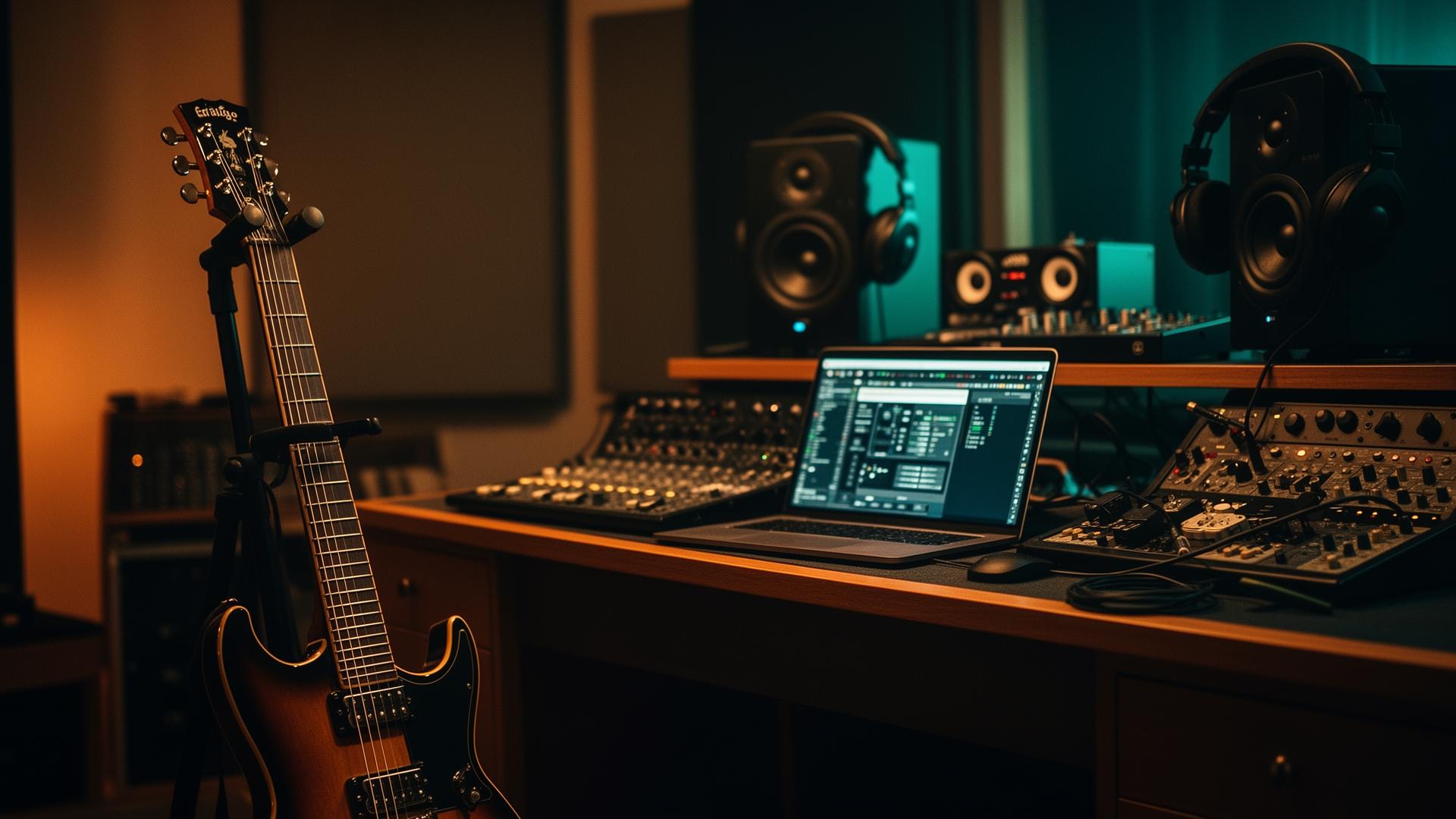
Twenty years ago, recording a great guitar tone meant booking expensive studio time and hoping the engineer knew what they were doing.
Today? A bedroom, a laptop, a decent interface, and the right software can produce recordings that sound good enough for Spotify, YouTube, or even commercial releases.
The problem isn't access to technology. It's knowing what actually matters.
This guide walks through everything from choosing an audio interface to recording your first track, building a home studio, and getting professional-sounding results without blowing your budget.
The Basic Signal Chain
Every home recording setup follows the same basic path:
Guitar
   │
   ▼
Audio Interface
   │
   ▼
Computer
   │
   ▼
Recording Software (DAW)
   │
   ▼
Plugins / Effects
   │
   ▼
Finished Recording
It's that simple. Everything else just improves quality or workflow.
Option 1: Record Direct (Recommended)
This is how most modern players record.
Guitar
   │
   ▼
Focusrite Scarlett
   │  USB
   ▼
MacBook / PC
   │
   ▼
DAW  (Logic · Studio One · Reaper · Cubase · Ableton)
   │
   ▼
Amp Sim
   │
   ▼
Finished Tone
Advantages: silent recording, no microphones, unlimited editing, huge selection of amp models, consistent results. For most players, this is the easiest and best solution.
Option 2: Record a Real Amp
If you love your actual amp:
Guitar
   │
   ▼
Real Amp
   │
   ▼
Speaker Cabinet
   │
   ▼
Microphone (SM57)
   │
   ▼
Audio Interface
   │
   ▼
Computer
Want This Tone?
Tell ToneMD what guitar and gear you own and we’ll show you how to get as close as possible using the equipment you already have — full signal chain, real numbered settings, no guesswork.
Included with The Guitar Plugged Premium
This can sound incredible — but requires a good microphone, proper placement, a quiet room, and more experience. For beginners, direct recording is usually easier.
Step 1: Choose an Audio Interface
This is the heart of your setup. It converts your guitar signal into digital audio your computer understands. The Guitar Plugged pick: the Focusrite Scarlett 2i2. Excellent sound quality, extremely reliable, beginner friendly, great preamps, works with Mac and PC, huge community support. Perfect for guitar, vocals, YouTube, podcasting, and music production. If you're buying your first interface, it's difficult to beat.
Step 2: Use a Computer That Won't Fight You
You don't need a $5,000 machine. You do need something reasonably modern. Excellent options include the MacBook Air, MacBook Pro, Mac Mini, a modern Windows desktop, or a modern gaming laptop. For musicians, Macs remain popular because of stability, low latency, Core Audio, and Logic Pro. That said, Windows machines can absolutely produce professional recordings.
Step 3: Pick a DAW
DAW = Digital Audio Workstation. Logic Pro is fantastic for Mac users, excellent value, with a huge included plugin library. Studio One has an excellent workflow and great recording features. Reaper is ridiculously affordable, highly customizable, and very powerful. Cubase has been an industry favorite for decades, with excellent MIDI capabilities. Ableton Live is fantastic for electronic music and creative production — increasingly common among guitar players too.
Step 4: Amp Sims Changed Everything
X Concepts Strings • Made in USA
Never Run Out of Strings Again.
Join the X Concepts String Club and get fresh USA-made strings delivered every month—plus Premium membership options for the full Guitar Plugged experience.
Modern plugins are unbelievably realistic. Popular choices include Neural DSP, STL Tones, IK Multimedia AmpliTube, Positive Grid, and Line 6 Helix Native. You can also use hardware like the Fractal FM3, Kemper, Quad Cortex, or Headrush — simply record directly into your interface.
Step 5: Set Input Gain Correctly
One of the biggest beginner mistakes: too much gain. Watch your interface meter. Aim for a healthy signal without clipping.
“The technology has never been better. The only thing left is to hit Record.”
Too Quiet
|██        |

Good
|███████   |

Too Hot
|██████████|
         CLIP
If it's clipping, turn the gain down. Digital clipping sounds terrible.
Step 6: Monitor Properly
Don't mix through laptop speakers. Instead use studio monitors or studio headphones. Closed-back headphones are excellent when recording. Open-back headphones are often preferred for mixing.
Step 7: Record Multiple Takes
Professional recordings rarely happen in one pass. Record Take 1, Take 2, Take 3, Take 4 — then choose the best sections. This process is called comping.
Step 8: Double Track Rhythm Guitars
One guitar:

        Center
           G

Two guitars (double tracked):

Left                          Right
Guitar 1                    Guitar 2
Record twice. Don't copy and paste. Actually play it again. The width is dramatically better.
Step 9: Add Lead Guitar
Keep rhythm wide. Keep leads closer to center. Then add delay, reverb, compression, and EQ — tastefully.
Step 10: Less Gain Usually Sounds Bigger
Counterintuitive: too much distortion often sounds smaller. Backing gain off slightly improves note clarity, punch, and mix separation. Many famous rock records use less gain than people think.
Basic Beginner Recording Setup
Electric Guitar
      │
      ▼
Focusrite Scarlett 2i2
      │  USB
      ▼
MacBook
      │
      ▼
Logic Pro
      │
      ▼
Neural DSP Plugin
      │
      ▼
Studio Headphones
      │
      ▼
Finished Recording
Budget vs Mid-Level vs High-End
+--------------------+-----------------------+-----------------------+
| BUDGET (~$500-800) | MID-LEVEL             | HIGH-END              |
+--------------------+-----------------------+-----------------------+
| Focusrite Scarlett | Scarlett 2i2          | Fractal FM3           |
| Decent headphones  | MacBook Air           | Premium interface     |
| Existing computer  | Logic Pro             | MacBook Pro           |
| Reaper             | Studio monitors       | Studio One or Logic   |
| One quality amp sim| Neural DSP            | Professional monitors |
|                    | Good headphones       | Acoustic treatment    |
+--------------------+-----------------------+-----------------------+
| Excellent results  | Commercial quality    | Rivals real studios   |
+--------------------+-----------------------+-----------------------+
Common Beginner Mistakes
[X] Recording too loud
[X] Using too much gain
[X] Ignoring latency settings
[X] Mixing through laptop speakers
[X] Copy-pasting rhythm guitars instead of replaying them
[X] Chasing expensive gear instead of practicing
The Guitar Plugged's Recommended Starter Gear
Audio Interface: Focusrite Scarlett 2i2. Computer: Apple MacBook Air. DAW: Logic Pro (Mac) or Reaper (Budget). Headphones: Audio-Technica ATH-M50x. Studio Monitors: Yamaha HS5. Amp Sims: Neural DSP. Microphone: Shure SM57.
Final Thoughts
You don't need a million-dollar studio to make music that moves people. You need a guitar, a solid interface, a reliable computer, a DAW you understand, and enough discipline to keep creating.
The technology has never been better. The only thing left is to hit Record.
Buy the interface. Skip the fancy stuff. Learn one DAW deeply. Track everything twice. Keep the gain modest. Hit Record more than you scroll.
- Focusrite Scarlett 2i2 (4th Gen)$199·Check on Amazon →
- Apple MacBook Air (M-Series)$999·Check on Amazon →
- Audio-Technica ATH-M50x$149·Check on Amazon →
- Yamaha HS5 Studio Monitors$399/pair·Check on Amazon →
- Shure SM57 Dynamic Microphone$109·Check on Amazon →
- Apple Logic Pro$199·Check on Amazon →
- Neural DSP Plugins (Archetype Series)$119·Check on Amazon →
Some links are affiliate links — we may earn a small commission at no cost to you.
Experience-driven coverage, not algorithm bait.
- 20+ years of guitar playing experience
- Real-world retail experience at Guitar Center
- Thousands of hours testing guitars, amps, and pedals
- A community of 50,000+ guitar enthusiasts across platforms
- Partnerships with Fender, DistroKid, TrueFire, Card Chords, and Enya
- Editorial standards published openly — see how we test gear
The Modern Guitar Magazine. Delivered to your inbox.
No spam. No gimmicks. Just great guitar content — stories, tones, iconic solos, and honest gear takes. Every week.
Ask GP
3 free questions a dayStill curious? Ask GP about this story.
Your personal classic-rock and guitar guide — ask anything about How to Record Guitar at.
Discussion (0)
Sign in to join the discussion.
Sign in to commentLoading comments…
Discover another guitar story
Swipe through our latest features, breaking news and iconic solos — one story at a time.
Open Swipe →More in Guitar Garage
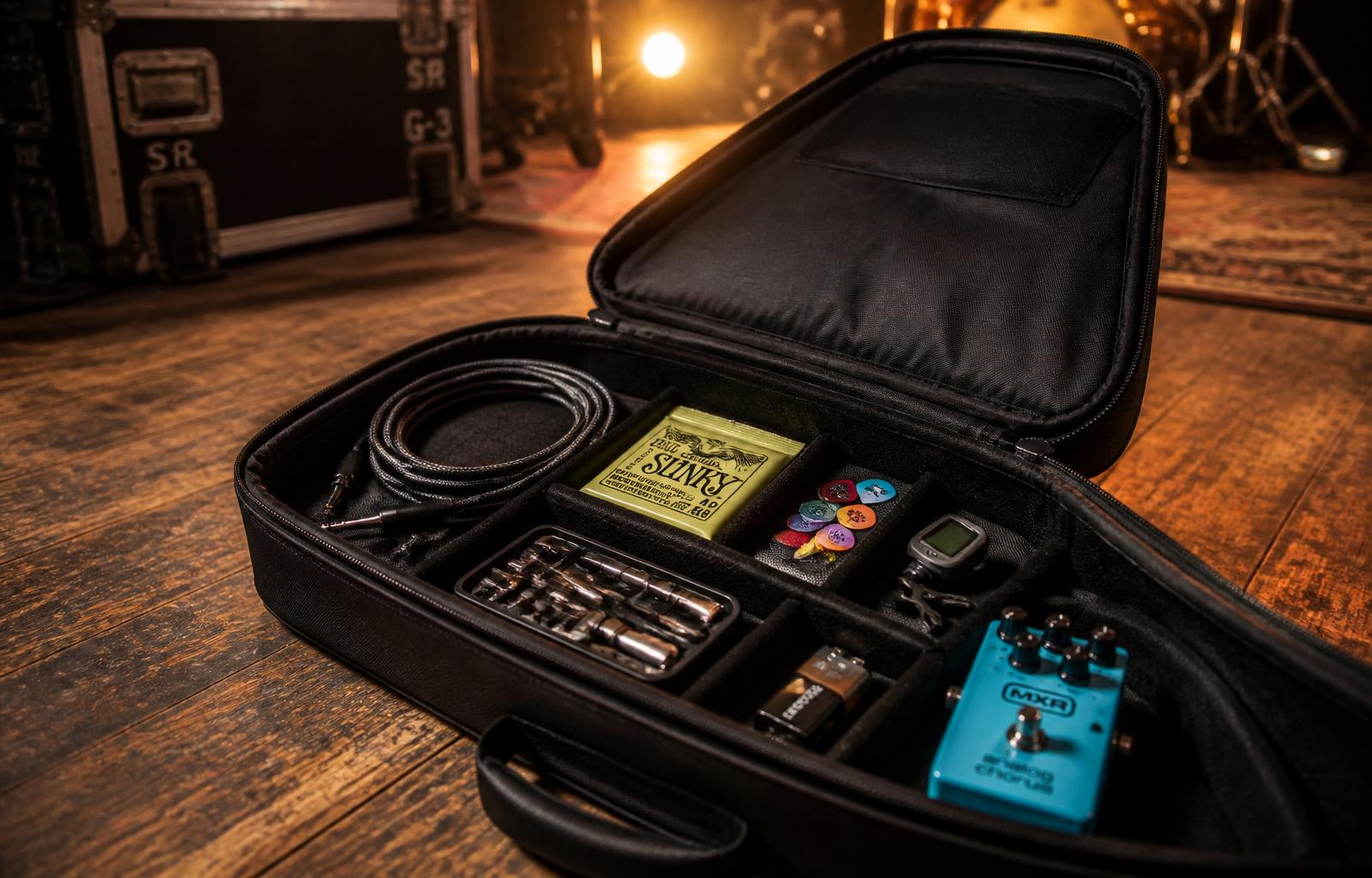
10 Things Every Gigging Guitarist Needs (And the One Thing They Always Forget)
Every guitarist obsesses over amps and pedals, but smooth gigs come down to preparation. Here are 10 essentials every gigging guitarist needs — plus the one thing almost everyone forgets.
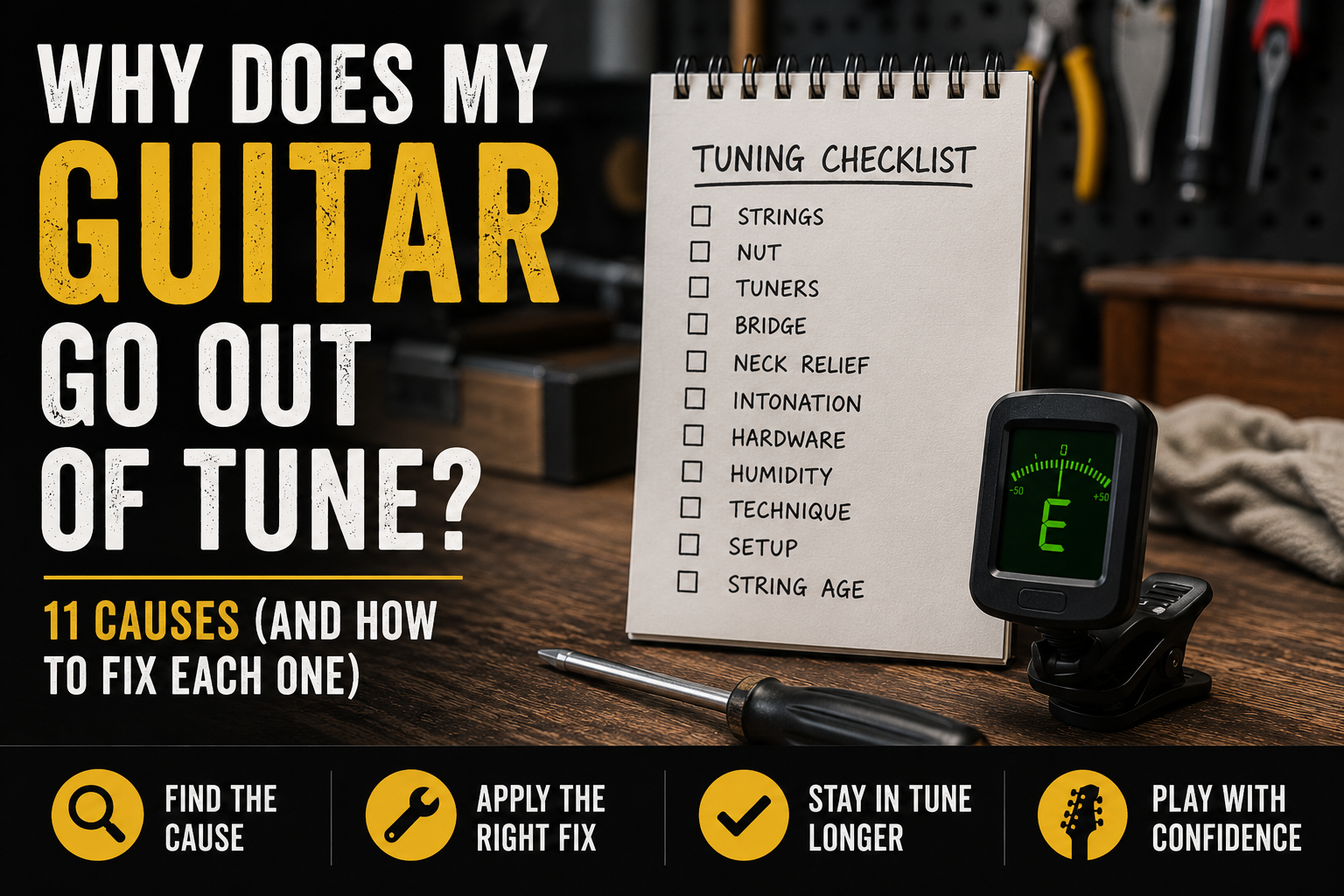
Why Does My Guitar Go Out of Tune? 11 Causes (And How to Fix Each One)
Discover the 11 most common reasons guitars go out of tune and learn practical fixes to keep your instrument stable and sounding its best.
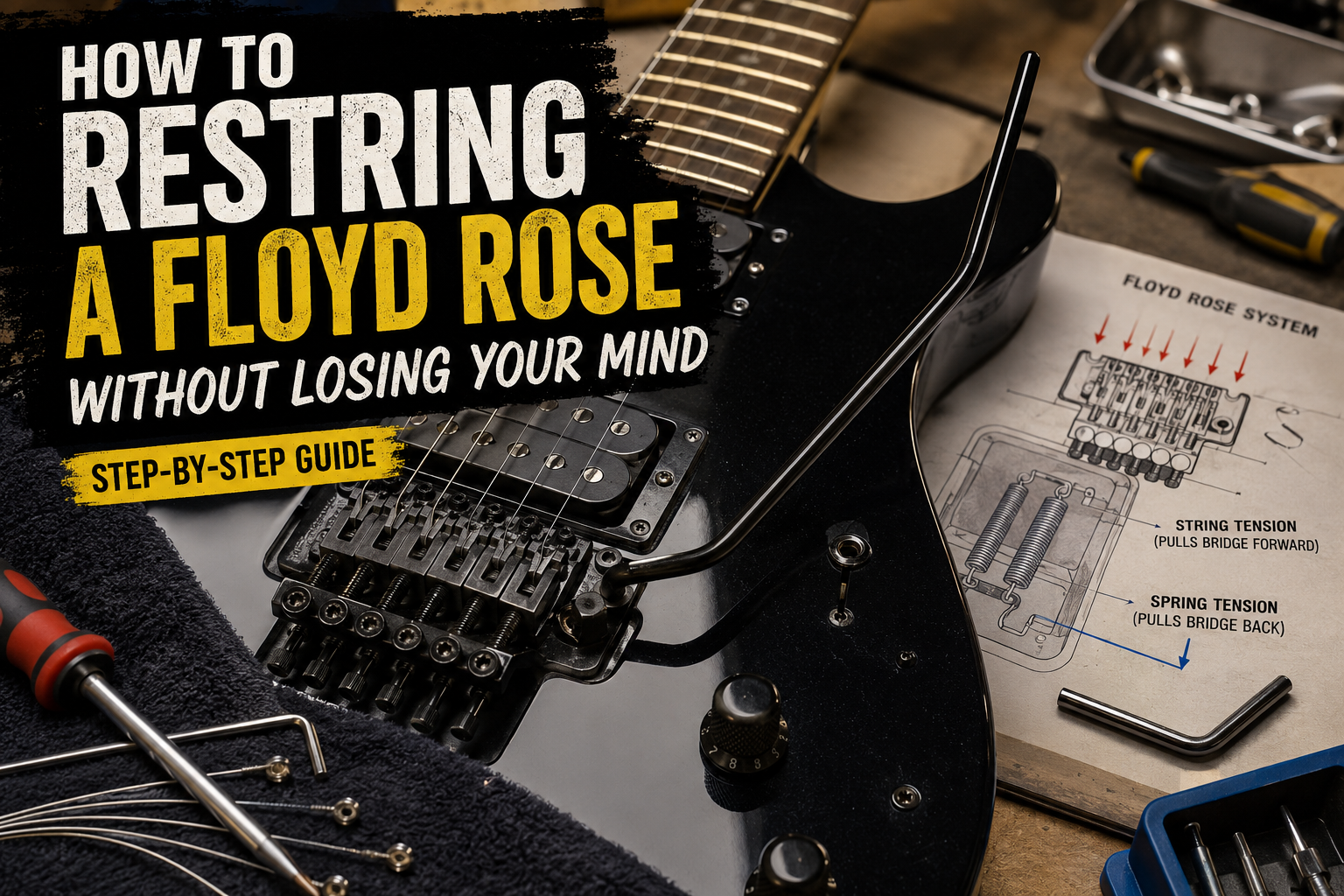
How to Restring a Floyd Rose Without Losing Your Mind
A detailed beginner-friendly guide to restringing a Floyd Rose guitar — bridge blocking, fine tuners, locking nut setup, spring tension, diagrams, and common mistakes.